Agent SMS — Receive-Code Phones for AI Agents
Give your AI agent a phone number it can actually read. Create an
atsms_ token with one click, install the
aitunSMS Android app on the phone, and every incoming
SMS verification code is pushed to aitun.cc automatically — numbers auto-classified from the pushes, rolling 10-message window per number,
retrievable through a one-command API with an atsms_ key.
🔒 Sign-in required — you'll be prompted automatically. A token learns up to 2 phone numbers automatically from the app's pushes (dual-SIM). Free: 5 subdomains · 5 mailboxes · 5 SMS tokens (extra tokens $1 each).
Verification-Code Ready
Sign-up flows that require a phone number become agent-friendly: the SMS arrives on your phone and becomes readable via API within seconds. Codes stay machine-readable text — no screenshots needed.
Your Own Real SIM
This is not a virtual-number rental. The phone number stays yours — the open-source aitunSMS app pushes only what the SIM actually receives, and you can rotate or revoke the atsms_ key anytime.
Zero-Typing, Auto-Classified
No phone numbers to type. The app tags every pushed SMS with the SIM it arrived on, and the server classifies the numbers automatically — a token learns its dual-SIM pair (max 2 numbers) on the first pushes.
One-Command Agent API
Each token has one atsms_ key covering its numbers. One curl command returns the latest 20 texts (latest 10 per number on dual-SIM, each tagged with its number) — perfect for AI agents fetching verification codes mid-signup.
Rolling 10-SMS Window
Only the latest 10 SMS are kept per phone — older ones roll off automatically. Every message is fingerprinted on arrival (phone + timestamp + sender + body) so the APK can re-push safely without duplicates.
Simple Quota
Every account gets 5 SMS tokens free (plus 5 subdomains and 5 mailboxes); each token covers one phone (dual-SIM = both numbers). Need more? Extra tokens are $1.00 each — buy instantly via PayPal from your dashboard.
Agent SMS Quick Start
Three steps and you're live: click Add to create a token, install the Android app, paste the key — phone numbers are learned automatically from the app's pushes, then your AI agent reads received verification codes with one command.
Sign in & click Add
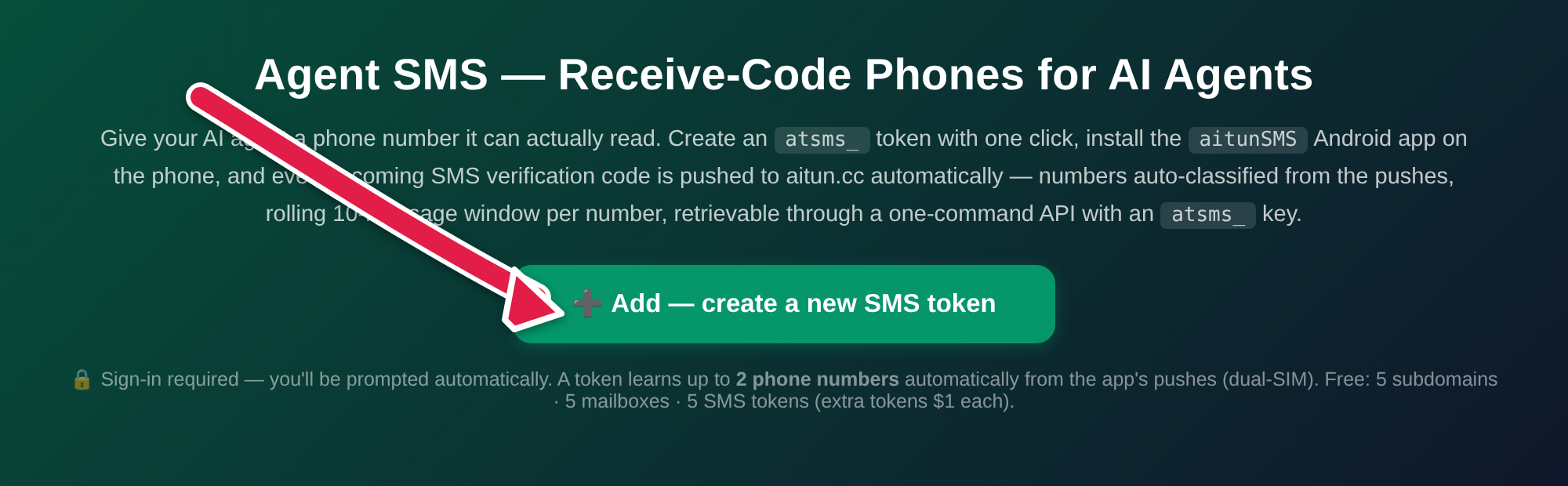
Open the Agent SMS page on this site and click Add — a new atsms_ token is created instantly, no phone number to type (numbers are auto-classified from the app's pushes). Registration requires sign-in — you'll be prompted automatically. Free: 5 tokens per account.
Copy the atsms_ key
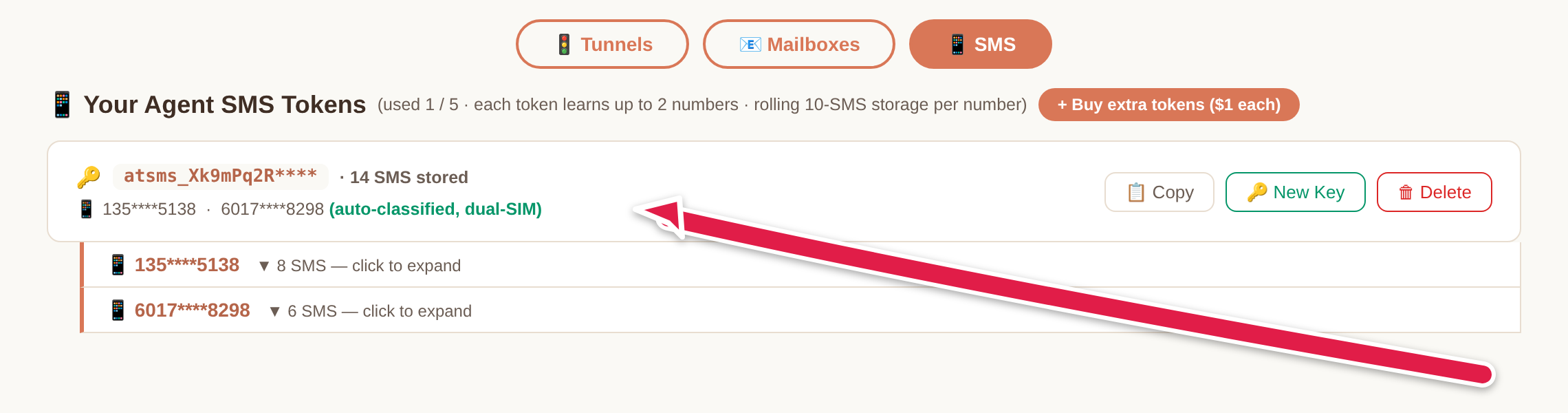
Add jumps you straight to Console → SMS where the new token is listed. Click 📋 Copy next to the key for the bare token — this is what the app and the API use — or 📋 Copy for Agent to also get ready-to-paste API commands for your AI agent. You can regenerate it anytime.
Install aitunSMS on the phone
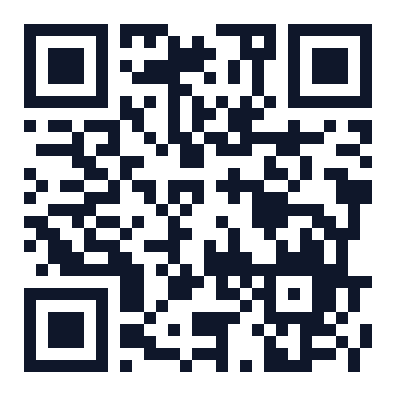
Scan the QR with the phone that owns the SIM, or open https://aitun.cc/downloads/aitunSMS.apk in its browser. Requires Android 8.0+; grant SMS & notification permissions on first launch.
Paste the key & press START
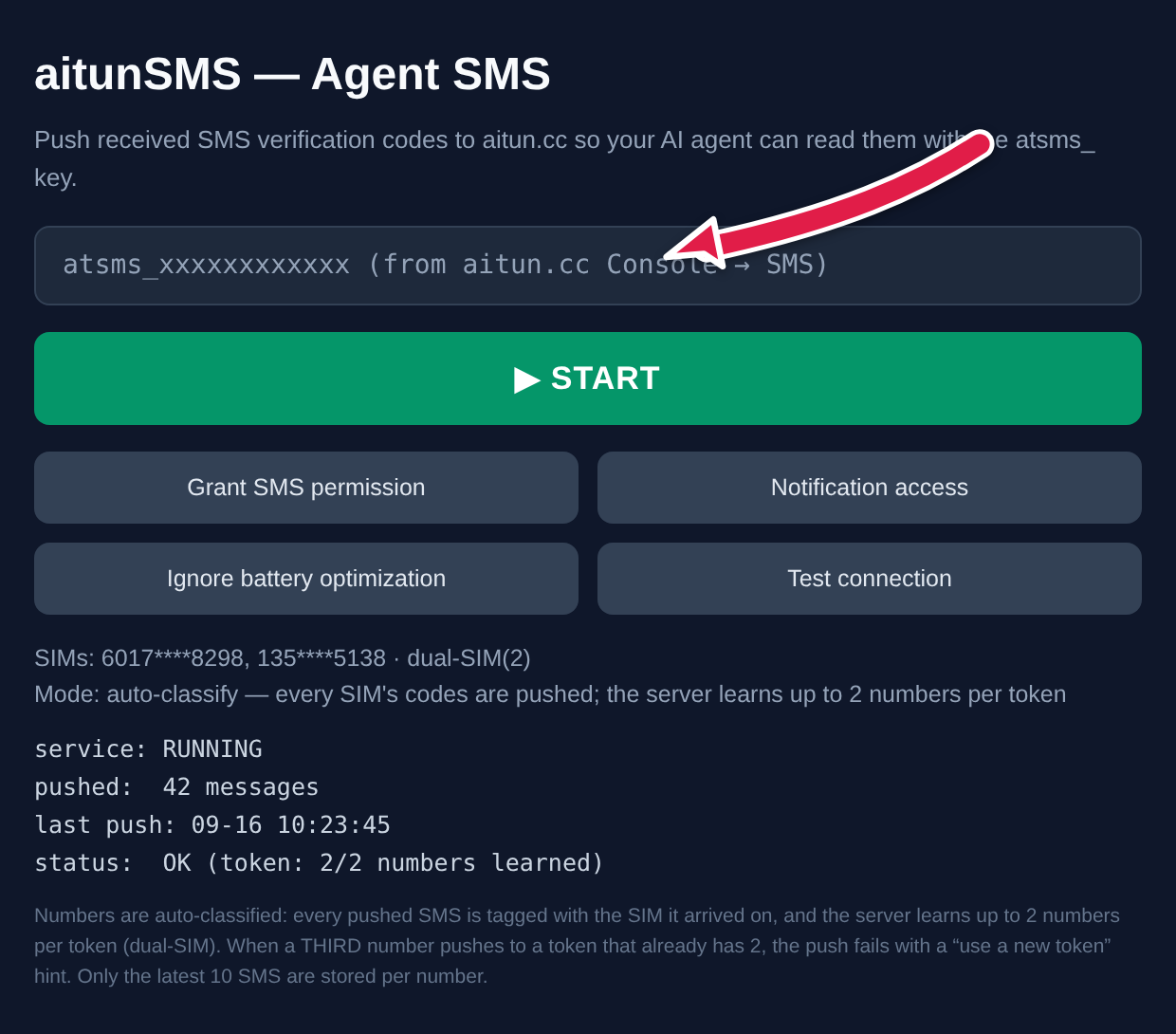
Open aitunSMS on the phone, paste the atsms_ key into the token field and press ▶ START. Incoming SMS are pushed automatically — the server auto-classifies the SIM numbers (dual-SIM = 2 numbers under the token), deduplicates, rolling 10-message storage.
Done — now your AI agent reads received verification codes with one command: